
Software/App
Development
Scale your iOS, Android, and SaaS applications with dedicated senior developers, zero overhead, and rapid turnaround.










Why Custom Software & Mobile Apps are the Ultimate Growth Engines
Relying on generic, off-the-shelf tools limits your capability and scales your costs with every new user. Custom software aligns perfectly with your unique business workflows, enabling you to automate manual bottlenecks, secure proprietary data, and own your technology without licensing limits.
With our senior-led flat-rate engineering subscription, you bypass the months of recruiting, hiring, and onboarding. You get instant access to production-ready full-stack and mobile developers who build responsive iOS, Android, and web applications designed to engage users and maximize your operational efficiency.
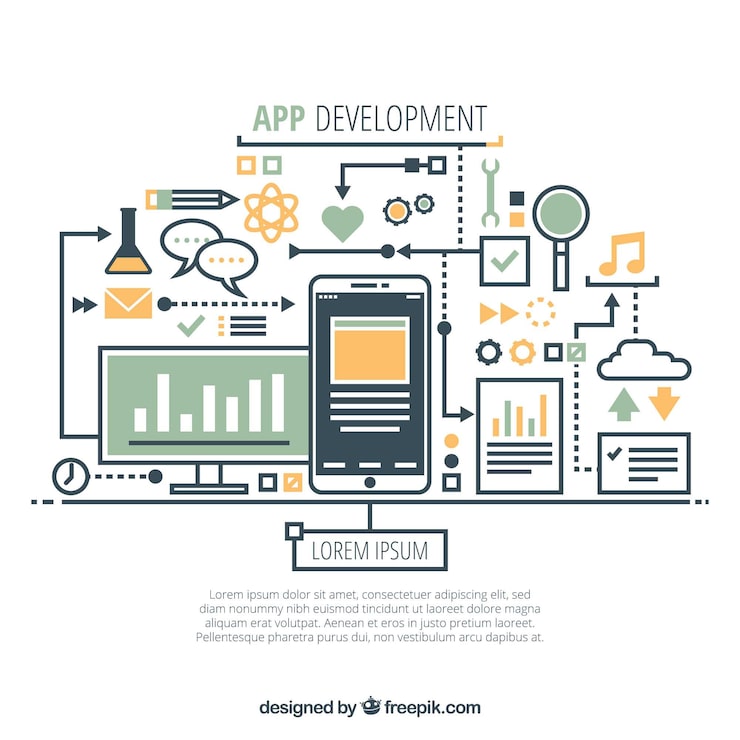
Our Agile Development Framework
Sprint-Based Roadmap
We map out feature breakdowns, user stories, and technical blueprints during collaborative sprint planning, ensuring clear alignment before writing any code.
Production-Ready Engineering
We write clean, documented, and tested code across modern frameworks (React, React Native, Node.js, Python, Swift, Kotlin) optimized for performance and security.
DevOps & Cloud Delivery
Automated testing and deployment pipelines (CI/CD) coupled with cloud-native configurations to ensure zero-downtime updates and seamless scaling.
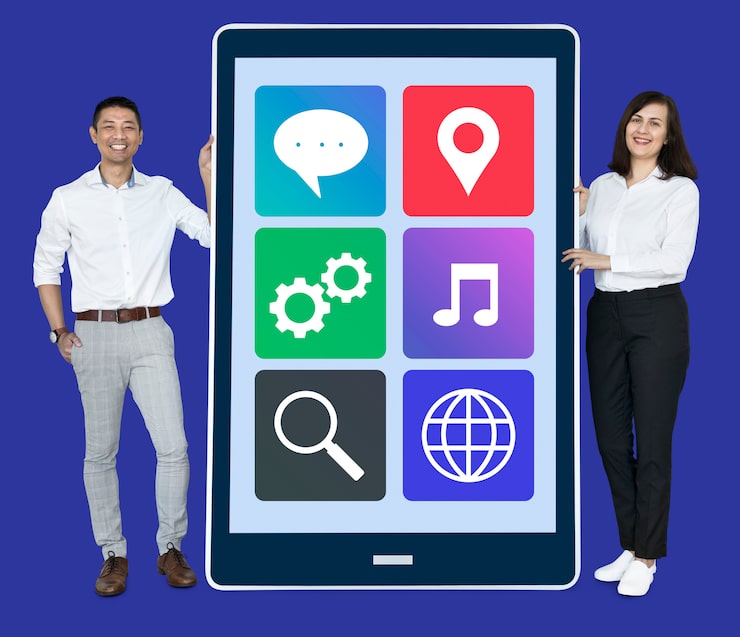
Scale Seamlessly & Dominate Your Market
A digital product is only as good as its performance and user experience. We build applications with optimized rendering, ultra-low latency, and intuitive flows that keep users engaged, reducing churn and increasing lifetime value (LTV).
We lay a scalable foundation using modular component systems, clean microservices, and robust APIs. This clean-code approach lets you rapidly launch new features in future sprints without getting bogged down by technical debt.
Here are our Key Development Actions:
Our Recent Work
Explore some of the live apps, dashboards, and software solutions we have shipped for clients worldwide.
YOUR PROJECT HERE?
Send us an RFP to start building your custom app or software solution.
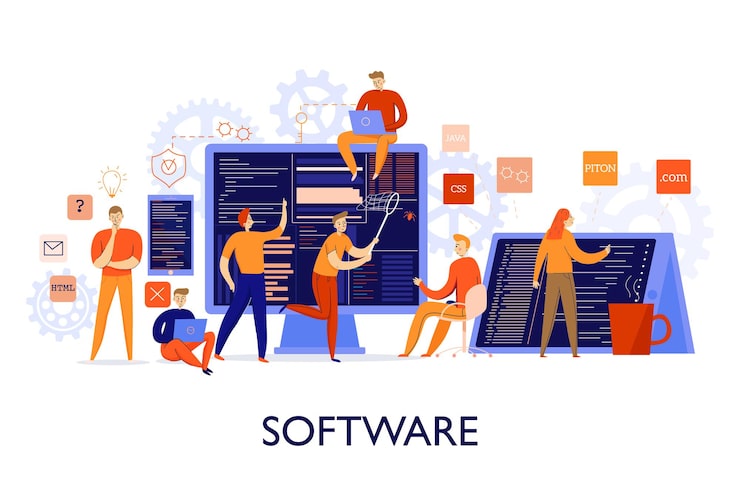
NEED A CUSTOM APP?
Explore our flat-rate software & app development subscription plans.
SPRINT DELIVERY
We build and ship production-ready features every sprint cycle.
Empower Your Business with High-Performance Technology
Eliminate Downtime • Deploy Safely • Dominate Stacks
Our senior development team builds enterprise-grade software and high-performance apps that give your business a direct competitive edge. We architect scalable databases, secure API layers, and highly interactive user interfaces that handle large traffic spikes without breaking a sweat.
By prioritizing clean-code principles, comprehensive automated testing, and secure third-party integrations, we ensure your software remains stable, reliable, and easy to maintain as your business grows.
Winning Results
We work tirelessly to achieve meaningful growth and technical excellence for our clients.
Reduce time-to-market by up to 50% with our automated deployment pipelines. Launch a high-performance native app on iOS & Android and start capturing mobile market share.
Scale your subscription products and SaaS platforms to support thousands of concurrent users. Boost MRR and user retention with optimized page load speeds and API response times.
Maintain a 99.9% uptime record. Clients will love the lightning-fast loading, robust security protocols, and crash-free sessions, securing long-term loyalty and trust.
Development Services We Master
We build secure, scalable, and robust applications customized for your business goals.
iOS & Android Mobile Apps
Native and cross-platform mobile applications built with Swift, Kotlin, and React Native for the App Store and Play Store.
SaaS Platforms & Web Apps
Cloud-native subscription platforms with user authentication, dashboards, billing systems, and real-time data features.
Enterprise & Desktop Software
Heavy-duty business tools, ERP integrations, internal portals, and automation systems for enterprise operations.
Partnering with Global Tech & Business Leaders






Let's build something remarkable.
Partner with our dedicated engineers to build performant mobile apps, SaaS platforms, and enterprise software on time and on budget.